


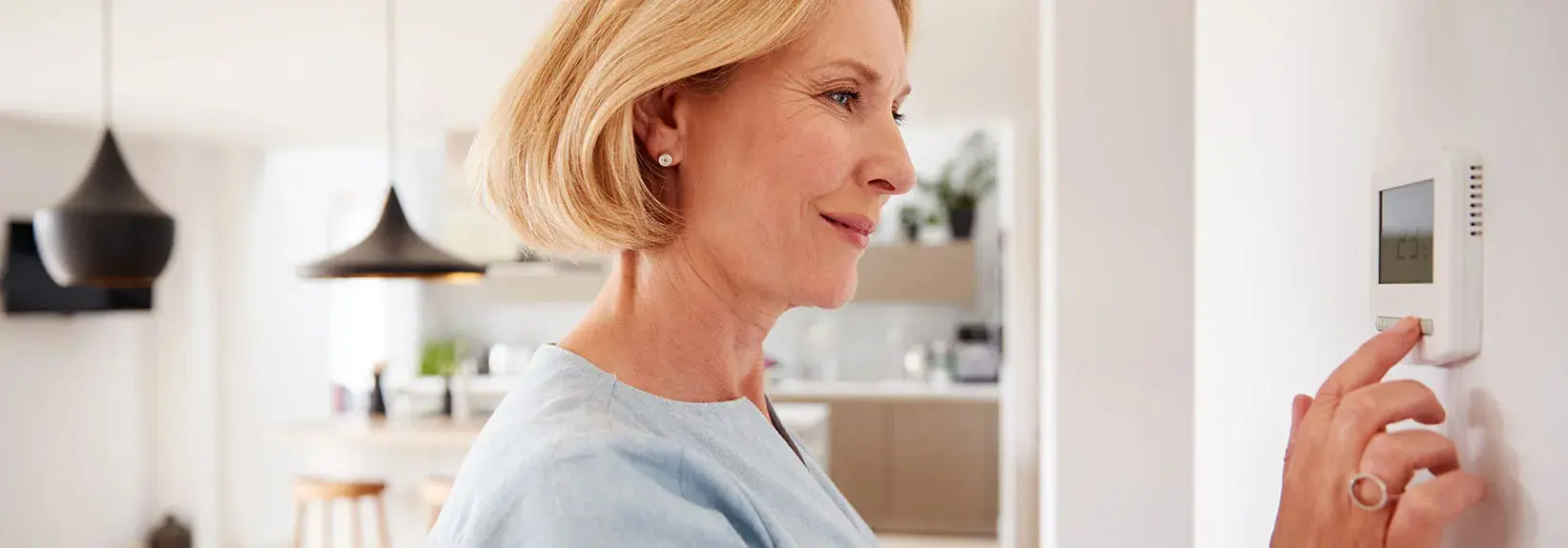
Honeywell is one of the best thermostat manufacturers, and we proudly install them on a usual basis in the U.S.. They’re sturdy and dependable. Also, Honeywell is regularly enhancing its technology, bringing more features for your home.
Still, every thermostat can run into troubles at times. That's why we’ve put together this valuable handbook to go over troubleshooting. While Honeywell thermostat troubleshooting problems are rare, they do occur.
While you can typically repair most thermostat problems alone, they occasionally need Expert support. Our home comfort professionals are here to help when you need us. We’re only a call away at (866) 963-7996.
Let’s begin the process by figuring out what type of thermostat your house has.
What Type of Thermostat Do I Have?
There are three models of thermostats:
- Manual—This is the older dial-shaped thermostat. You won’t have error codes with this type, but it’s also the least efficient for saving on energy expenses.
- Programmable—This thermostat includes a digital screen and arrows you use to determine your desired temperature. You can also set daily programs to decrease the temperature when you’re gone and set it higher when you return.
- Smart—You won’t have to set any programs on this thermostat, as it learns your schedule. It intuitively raises and lowers the temperature when you or other household members are out and about to help you save on heating and cooling expenses. You can also change the temperature anywhere using your phone or other Wi-Fi-enabled device.
As you know most technologically advanced things, there are common malfunctions that can happen. Most of these problems don’t need pro help and are easy to repair alone.
Common Honeywell Thermostat Troubleshooting Errors
Each Honeywell thermostat has a unique group of codes assigned to the problems that happen.
Think how easy it can be to repair a computer by restarting it. Many times, troubleshooting a thermostat can be just as easy.
Here is a listing the most reported Honeywell thermostat problems. These apply to the following programmable thermostats:
- Honeywell (RTH221B1020) Basic Programmable Thermostat
- Honeywell (RTH2300B1038) 5-2 Day Programmable Thermostat
- Honeywell (RTH6360D1002) 5-2 Day Programmable Touchscreen Thermostat
- Honeywell (RTH6580WF) 7-Day Programmable Wi-Fi Touchscreen Thermostat
- Honeywell (RTH7600D) 7-Day Programmable Touchscreen Thermostat
- Honeywell (RTH8500D) 7-Day Programmable Touchscreen Thermostat
- Honeywell (RTH856OD) T5 7-Day Programmable Touchscreen Thermostat
- Honeywell (RTH9585WF) Wi-Fi Smart Color Touchscreen Thermostat
- Honeywell (TH6220WF) Lyric T6 Pro Wi-Fi Programmable Touchscreen Thermostat
- Honeywell (TH9320WF) Wi-Fi Color Programmable Touchscreen Thermostat
Display is Blank
If the display is empty on your programmable thermostat, you could need to install new batteries. If that doesn’t fix the issue or you rely on a smart thermostat, there could be a wiring problem.
Next, you should make sure the power is enabled for your furnace or air handler. Verify the switch near the indoor system is .
In addition to that, you should make certain all furnace cabinet or air handler doors/panels are securely secured.
A loose panel may activate the safety switch, which stops power to the system.
Less frequently, a clear display might signify you need to get a new thermostat.
Comfort System Won’t Start
Ensure that your thermostat is set to “cool” or “heat,” not “off.”
When it's hot, Verify you schedule the thermostat beneath the ambient temperature. When it's cold, Verify it’s higher. This sounds silly, but we’ve seen it happen a lot of times.
Ensure the power switch near your indoor system is in the “on” position. You should also check the cabinet doors or panels are secure on your furnace cabinet or air handler. A loose panel can activate the safety switch, cutting off electricity to the unit.
Unit still won’t run? Verify circuit breakers haven’t tripped and that your HVAC System isn’t experiencing error codes.
“Cool On” or “Heat On” is Flashing
To begin, verify your thermostat is set to “cool” or “heat.”
Then, check it’s signaling the right system to run. This is typically demonstrated by “cool on,” “heat on” or an icon.
If these words or the illustration is blinking, your thermostat is in a five-minute delay mode. This mode stops your system from damaging short cycling. This could happen if you lose power.
Honeywell Thermostat-Specific Error Codes
Honeywell Lyric™ T5 Wi-Fi (RCHT8612WF/RCHT9510WFW)
- 164—Heat pump requires service. Call Service Experts at (866) 963-7996 for help.
- 168—Wi-Fi radio error. Contact Lyric technical support at 800-633-3991. 170—Internal memory error. Contact Lyric technical support at 800-633-3991.
- 171—Set date and time. Finalize these settings so scheduling can take place.
- 173—Thermostat temperature sensor error. Contact Lyric technical support at 800-633-3991.
- 175—AC power restarted. No action necessary.
- 181/182—Put in a new air filter. Clear the screen by hitting “dismiss” after putting in a fresh filter.
- 184—Replace humidifier pad. Clear the monitor by tapping “dismiss” after putting in a new pad filter.
- 185—Put in a new dehumidifier filter. Clear the display by tapping “dismiss” after putting in a fresh filter.
- 187—Clean or Replace ventilator filter. Clear the display by hitting “dismiss” after putting in a fresh filter.
- 188/189—Install a new UV bulb. Contact Service Experts at (866) 963-7996 for help.
- 210—Register online for outside temperature. Download the Lyric app to finish this step and ensure accurate thermostat operation.
- 388—Register online for remote access and outside temperature. Download the Lyric app to finish this step and ensure accurate thermostat operation.
- 399—No Internet. Confirm your network settings.
- 400—No Wi-Fi signal. Wait for the thermostat to reconnect or choose new Wi-Fi network.
- 508—Wi-Fi not set. Download the Lyric app and follow the steps to configure your thermostat.
For more details, see this thermostat’s user manual.
Honeywell T6 Pro Smart Programmable Thermostat (TH411OU2005)
- 164—Heat pump needs service. Contact Service Experts at } for support.
- 168—Wi-Fi radio error. Contact Service Experts at (866) 963-7996 for support.
- 170—Internal memory error. Contact Service Experts at F:P:Sub:Phone} for help.
- 171—Set date and time. Finalize these settings so scheduling can operate.
- 173—Thermostat temperature sensor error. Contact Service Experts at (866) 963-7996 for support.
- 175—AC power reconnected. No action required.
- 177—Indoor temperature sensor error. Contact Service Experts at (866) 963-7996 for support.
- 178—Outdoor temperature sensor error. Contact Service Experts at (866) 963-7996 for help.
- 181/182—Get a new air filter. Clear the display by hitting “dismiss” after putting in a new filter.
- 183—Wash humidifier tank and add a new water filter. Clear the display by tapping “dismiss” after doing these tasks.
- 184—Install a new humidifier pad. Clear the monitor by hitting “dismiss” after getting a new pad filter.
- 185—Get a new dehumidifier filter. Clear the display by hitting “dismiss” after putting in a new filter.
- 186—Wash ventilator core. Clear the thermostat by tapping “dismiss” after finishing this task.
- 187—Wash or Get a new ventilator filter. Clear the screen by hitting “dismiss” after buying a new filter.
- 188/189—Replace UV bulb. Get in touch with Service Experts at (866) 963-7996 for help.
- 210—Register online for outdoor temperature. Download the Lyric app to finish this step and ensure accurate thermostat operation.
- 388—Register online for remote access and outdoor temperature. Download the Lyric app to finish this step and ensure accurate thermostat operation.
- 399—No Internet. Confirm your network settings.
- 400—No Wi-Fi signal. Wait for the thermostat to reconnect or choose new Wi-Fi network.
- 508—Wi-Fi not configured. Download the Lyric app and follow the steps to connect your thermostat.
For more information, see this thermostat’s user manual.
Our Experts are Ready to Help
If you’re still experiencing problems after working through the troubleshooting process, our professionals are Ready to help. Reach us at (866) 963-7996 and we’ll arrive quickly to figure out the problem.
If you rely on a dated thermostat, right now is a great time to consider a new thermostat. Thermostat technology has come a long way in recent years Ask us for more details on how smart thermostats can make your house better while helping save on energy expenses year-round.